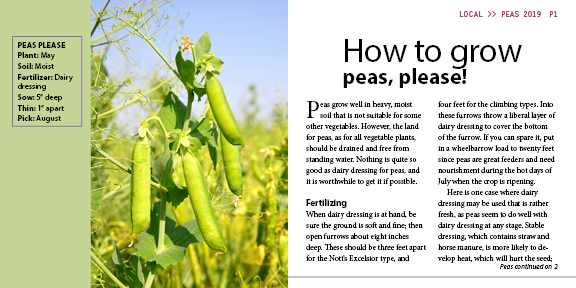
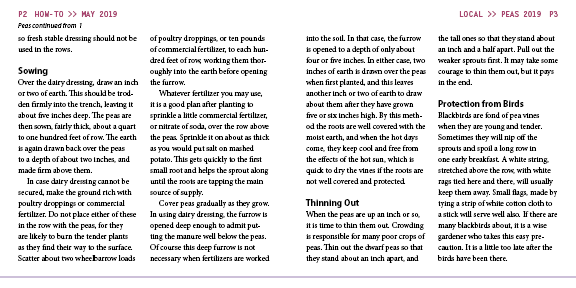
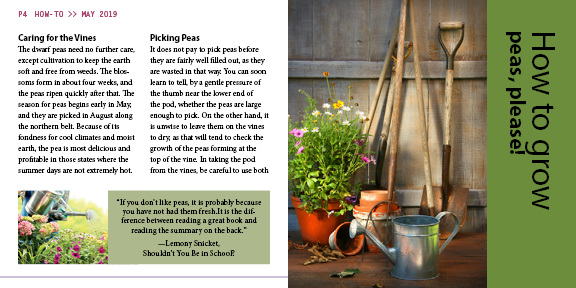
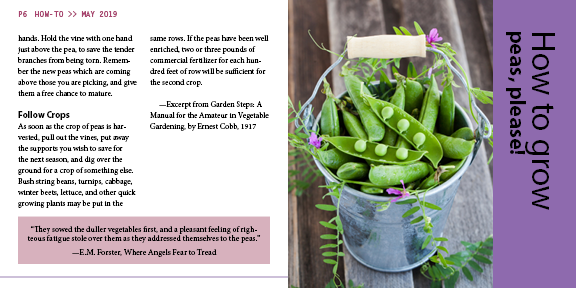
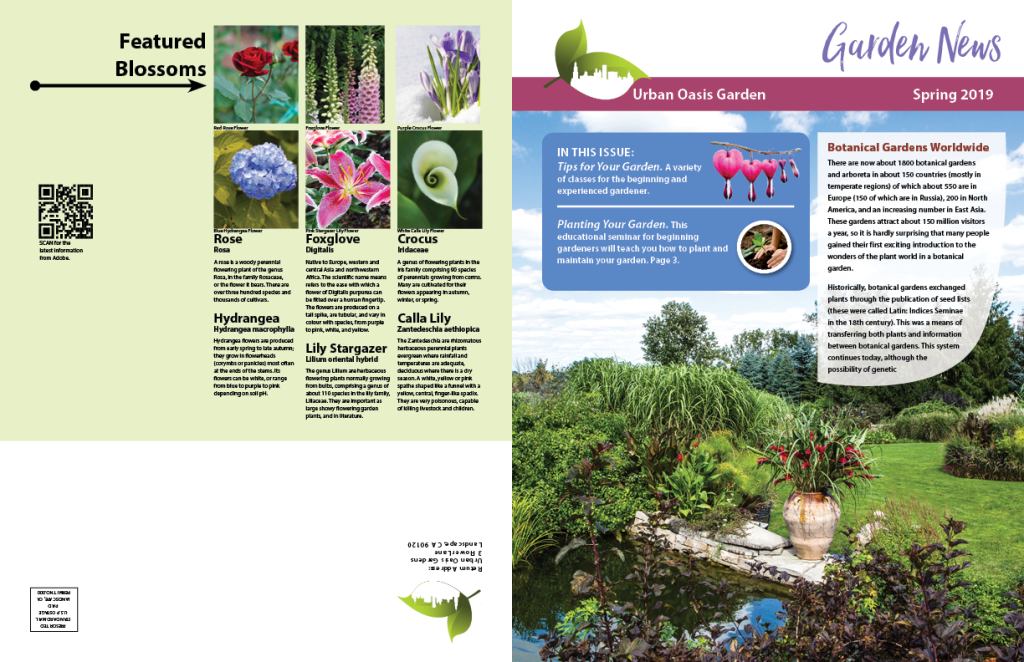
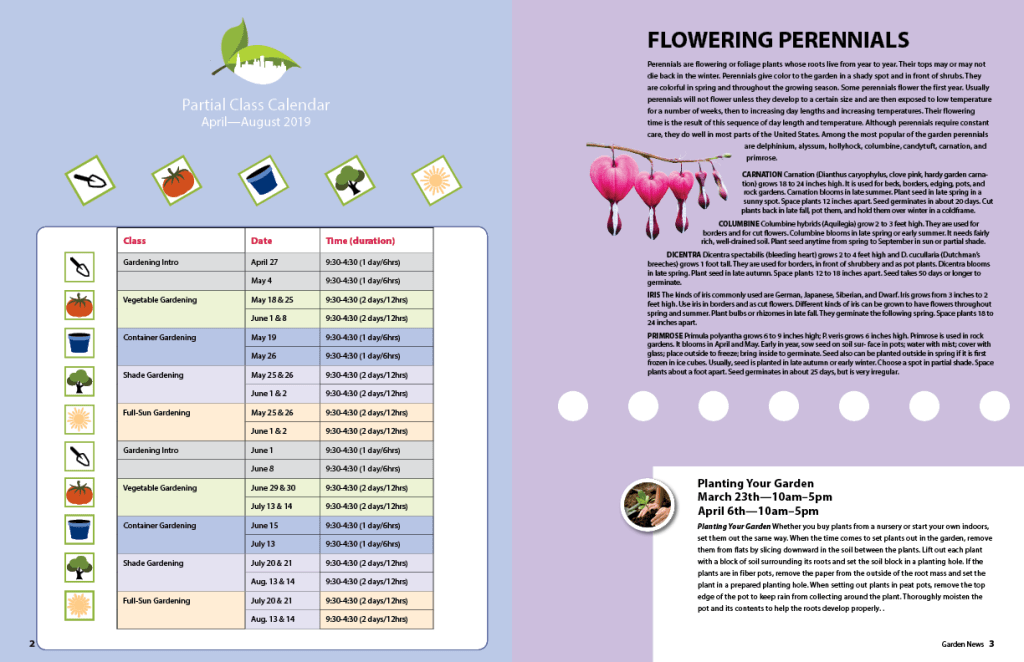
The main objective of this InDesign project was having a direct flow of text from page to page. InDesign’s auto text flow capabilities makes it a unique program to use. After loading the text needed for the assignment, I placed it on the document, held down the shift key, and clicked multiple times to auto flow the text to each page.
After applying the text, I then sorted the wording and organized the article. I applied the drop cap feature to the first letter of the article. Additionally, I made a bold heading for each different topic. After doing so, i adjusted the text on page 4 so that the image and quote on the bottom of the page would not be covered. Finally, I used jump lines to indicate the page number that the article continued on or originated from.
 Dante Parente's New Media Production Portfolio